
DMX512 has become the backbone of modern lighting control, powering everything from theatrical productions to architectural LED installations. Despite its prevalence, many beginners are confused about what DMX512 is, how it works, and how it differs from other lighting control methods. Whether you’re a hobbyist planning your home LED setup or a professional designer working on a stage or event, understanding DMX512 is essential for achieving precise and dynamic lighting effects.
In this guide, I will break down DMX512 control in a practical, easy-to-understand way. You’ll learn how the protocol functions, the equipment required, setup best practices, troubleshooting tips, and the differences between DMX512.
What DMX512 Means?
DMX512 stands for “Digital Multiplex 512.” It is a standardized communication protocol widely used to control stage and architectural lighting. The “512” refers to the number of channels in a single DMX universe, with each channel controlling a specific parameter of a lighting device—such as brightness, color, or movement. For example, an RGB LED fixture may use three channels: one for red, one for green, and one for blue, allowing the controller to mix colors precisely.
DMX512 simplifies complex lighting setups by allowing multiple fixtures to be controlled from a single console or software interface. One controller can manage dozens of devices, and additional universes can expand control to hundreds of lights. This scalability makes DMX512 ideal for both small-scale hobby projects and large professional installations.
How DMX512 Works?
DMX512 communicates via a serial digital signal sent over shielded cables. The signal is unidirectional, meaning data flows from the controller to the fixtures. Each channel transmits an 8-bit value ranging from 0 to 255, representing the intensity or parameter level. This allows smooth dimming, color mixing, and motion control.
A DMX universe is the logical grouping of 512 channels. If your installation requires more than 512 channels, multiple universes can be used, with each universe connected to a separate output on the controller. For instance, a large theater show might use several DMX universes to control hundreds of RGB fixtures, moving heads, and spotlights simultaneously.
DMX512 Components
A typical DMX512 system consists of:
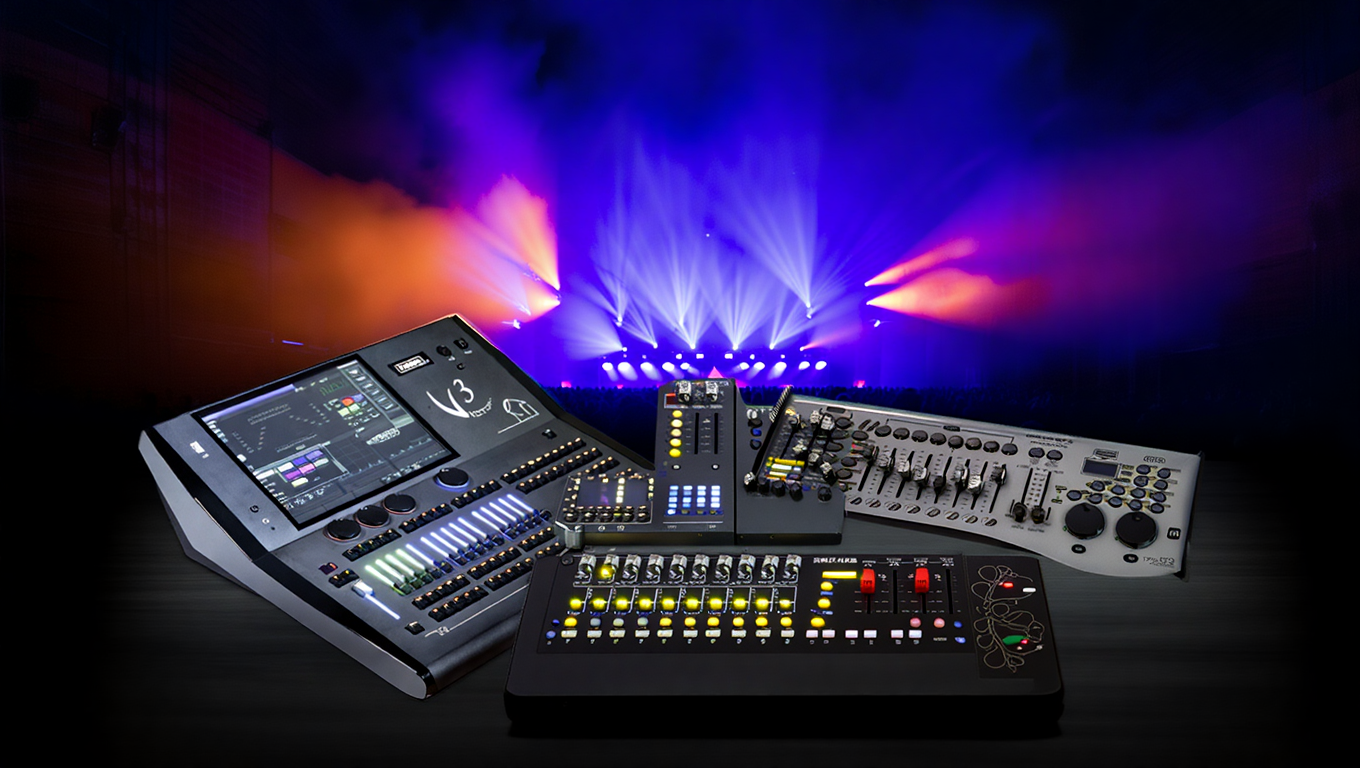
- Controllers – These can be hardware consoles or software-based systems on a computer or tablet. Controllers allow you to program scenes, sequences, and effects.
- Cables – Shielded DMX cables (5-pin or 3-pin) transmit signals between the controller and fixtures. Quality cables prevent signal interference, which is crucial for stable performance.
- Lighting Fixtures – Fixtures must be DMX-compatible. This includes RGB LED strips, moving head lights, dimmers, or spotlights. Each fixture receives and interprets the signal according to its assigned channels.
- Splitters and Terminators – Optional components that ensure signal stability and prevent reflections in long cable runs.
Understanding these components is essential for designing a reliable and efficient DMX512 system.
DMX512 vs Other Lighting Control Protocols
DMX512 vs SPI Addressable LEDs
While DMX512 is ideal for synchronized lighting control over long distances, SPI (Serial Peripheral Interface) is commonly used for individually addressable LEDs in decorative setups. SPI is much faster and allows each LED to be controlled independently, making it suitable for high-resolution effects on shorter runs.
However, SPI is less practical for large-scale stage or architectural installations because it lacks standard universes and long-distance capabilities.
For example, a DJ booth or small decorative display may benefit from SPI, while a concert stage with hundreds of lights requires DMX512 for centralized control. Understanding the differences helps determine which protocol suits your project needs.
DMX512 vs DALI / 0-10V
Other control protocols like DALI (Digital Addressable Lighting Interface) and 0-10V dimming are often used in building automation systems. DALI allows bi-directional communication and is great for automated office or commercial environments. 0-10V dimming is simpler, sending a voltage signal to control brightness.
DMX512’s advantage lies in its ability to precisely control multiple parameters across many devices in real time. It is more flexible for dynamic lighting effects, synchronized shows, and creative installations, whereas DALI and 0-10V are better suited for static or automated lighting setups.
Setting Up a DMX512 System
Planning Your DMX512 Network
Proper planning is critical before installing DMX512. Begin by calculating the number of channels required for each fixture. Each RGB fixture, for example, may need three channels, while a moving head light could require up to 16 channels for pan, tilt, color, and gobo control. Add these up to determine if a single universe is sufficient or if multiple universes are needed.
Consider the physical layout of your space. Cable runs should be efficient but avoid sharp bends, excessive length, or interference from power cables. Proper planning ensures signal integrity and makes troubleshooting easier later.
Cabling and Connections
DMX512 cables come in 5-pin and 3-pin varieties. While 5-pin is the professional standard, 3-pin is often used for shorter or DIY installations. Daisy-chaining fixtures is common, with a single cable linking multiple devices. A terminator is recommended at the end of the line to prevent signal reflection, which can cause flickering or erratic behavior.
High-quality, shielded cables are crucial. Poor cables increase the risk of signal interference, particularly in environments with other electronic equipment. Splitters and repeaters may be required for longer runs or multiple branches.
Configuring Controllers and Fixtures
Each fixture in a DMX512 system must have a unique address, ensuring that the controller sends the correct signal to the correct device. This can be set manually on the fixture or via software. Controllers allow for programming complex light shows, synchronized effects, and scene transitions.
Practical examples include using DMX512 to control RGB LED strips in a home theater, stage lighting at a concert, or architectural lighting in hotels and restaurants. Proper addressing and setup prevent conflicts, flickering, and non-responsive fixtures.
Troubleshooting Common DMX512 Issues
Even experienced users encounter problems when working with DMX512 systems. Understanding the common issues and their solutions ensures smooth operation and prevents downtime.
Signal Loss or Flickering
Signal loss or flickering is one of the most frequent DMX512 issues. Causes include damaged or low-quality cables, missing terminators, or overly long cable runs exceeding 300 meters per universe. Interference from nearby power lines or electronic devices can also affect signal quality.
To resolve these issues, inspect all connections and replace damaged cables. Always add a terminator at the end of the daisy chain to prevent signal reflection. For very long runs or complex layouts, consider using a DMX splitter or repeater to maintain signal integrity. Using shielded cables in interference-prone areas further improves reliability.
Address Conflicts
Duplicate DMX addresses can lead to unpredictable lighting behavior. Fixtures may respond incorrectly or mirror other devices’ commands. This is common in large installations where multiple fixtures of the same model are used.
To avoid conflicts, assign unique addresses to each fixture and label them clearly. Double-check addresses after setup, especially when adding new devices to an existing system. Many controllers offer address verification tools that help identify duplicates before they cause problems.
Fixture Not Responding
Non-responsive fixtures can result from incorrect DMX channel assignments, reversed polarity, or faulty devices. Check the fixture’s manual for channel requirements and ensure the controller is sending the correct signals. Confirm that polarity matches and that all connectors are secure.
For advanced troubleshooting, test the fixture individually with a known working controller and cable. If it functions correctly in isolation, the issue is likely in the network configuration rather than the device itself.
Practical Tips for Effective DMX512 Control
- Use High-Quality Cables – Investing in shielded, durable cables prevents interference and signal dropouts. Avoid cheap, unshielded alternatives.
- Limit Cable Lengths – Keep runs under 300 meters per universe. For longer distances, use repeaters or splitters to maintain signal quality.
- Label Everything – Clearly label all devices, addresses, and cable paths. This makes troubleshooting and maintenance far easier.
- Test Before Permanent Installation – Temporarily set up the system to confirm signal flow and fixture responses before securing cables or mounting devices.
- Combine Protocols if Necessary – For hybrid projects, use DMX512 for main control and SPI for decorative effects or individually addressable LEDs. This provides flexibility while maintaining control over critical fixtures.
Advanced DMX512 Techniques
Using Multiple Universes
When a single DMX512 universe is insufficient for a large installation, multiple universes can expand control. For example, a concert stage with 200 RGB moving heads might use four universes, with each universe handling 512 channels. Properly labeling and segmenting universes prevents confusion and ensures seamless integration.
Integrating DMX with Software
Many modern DMX controllers support software integration, allowing complex programming, automation, and synchronization with music or events. Popular software solutions enable pre-programming of scenes, real-time adjustments, and remote control from computers or tablets. This is especially useful in large venues where manual adjustments are impractical.
Combining DMX with Other Protocols
Advanced users often combine DMX512 with other protocols like SPI or Art-Net. This enables detailed pixel control for LED displays while maintaining centralized DMX control for stage or architectural lighting. Hybrid setups allow for both dramatic effects and precise functional illumination.
Final Thoughts
DMX512 is a powerful, versatile protocol that allows precise control over lighting fixtures of all types. From hobbyists to professional designers, understanding DMX512 fundamentals, planning networks, proper cabling, addressing, and troubleshooting ensures successful installations.
By combining DMX512 with other protocols or software, users can create advanced lighting effects, automate sequences, and maintain complete control over both aesthetics and functionality. Whether for stage, architectural, or home lighting, mastering DMX512 unlocks a world of creative possibilities.
For anyone looking to upgrade their lighting setup, explore DMX512-compatible controllers, LED strips, and accessories to achieve professional-grade results in your next project.
FAQs
Can DMX512 control LED strip lights?
A: Yes, DMX-compatible LED strips or RGB fixtures can be controlled using DMX512. Standard LED strips require a DMX decoder to interpret signals from the controller.
How many devices can one DMX512 universe control?
A: One universe supports up to 512 channels. Each fixture may use multiple channels, so the total number of devices depends on channel requirements.
Do I need 5-pin DMX cables?
A: 5-pin cables are standard for professional setups, offering compatibility and stability. 3-pin cables are acceptable for short runs or DIY installations but may not meet professional standards.
Can DMX512 be used outdoors?
A: Yes, with IP-rated fixtures and waterproof connectors. Ensure all components are rated for exposure to moisture and weather.
What’s the difference between DMX512 and SPI in LED projects?
A: DMX512 is ideal for centralized, long-distance control of multiple fixtures using channels and universes. SPI provides fast, individual LED control over short distances, suitable for decorative or small-scale effects.